Core Features
How to get directions to a trip's destination
Open turn-by-turn directions on a driver's phone straight from the trip.
Steps
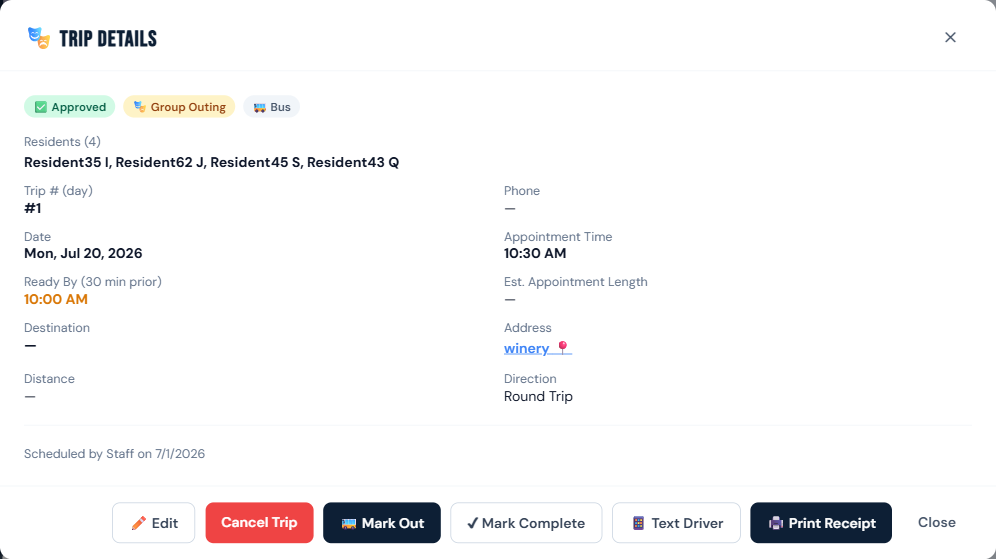
- Open the trip detail (tap the trip card) on a phone or any device.
- Tap the Address field — it's a live link (e.g. "winery 📍").
- Google Maps opens (
google.com/maps/dir/?api=1&destination=...) with directions from your facility's saved address to the destination.
Who can do this
All roles.
Notes
- This uses the address you saved in Settings → Facility Information as the starting point — if directions look wrong, check that address first (see Google Maps can't find the address).
- Only the destination address is sent to Google through this link — no resident information.