Account & Settings
Session lock (60-minute inactivity)
To protect resident information on a shared front-desk computer, RideLogger locks itself after a period of inactivity.
What happens
- After about 60 minutes without activity, a full-screen "🔒 Session Locked" overlay appears: "Locked after inactivity. Enter your password to continue as [your name]."
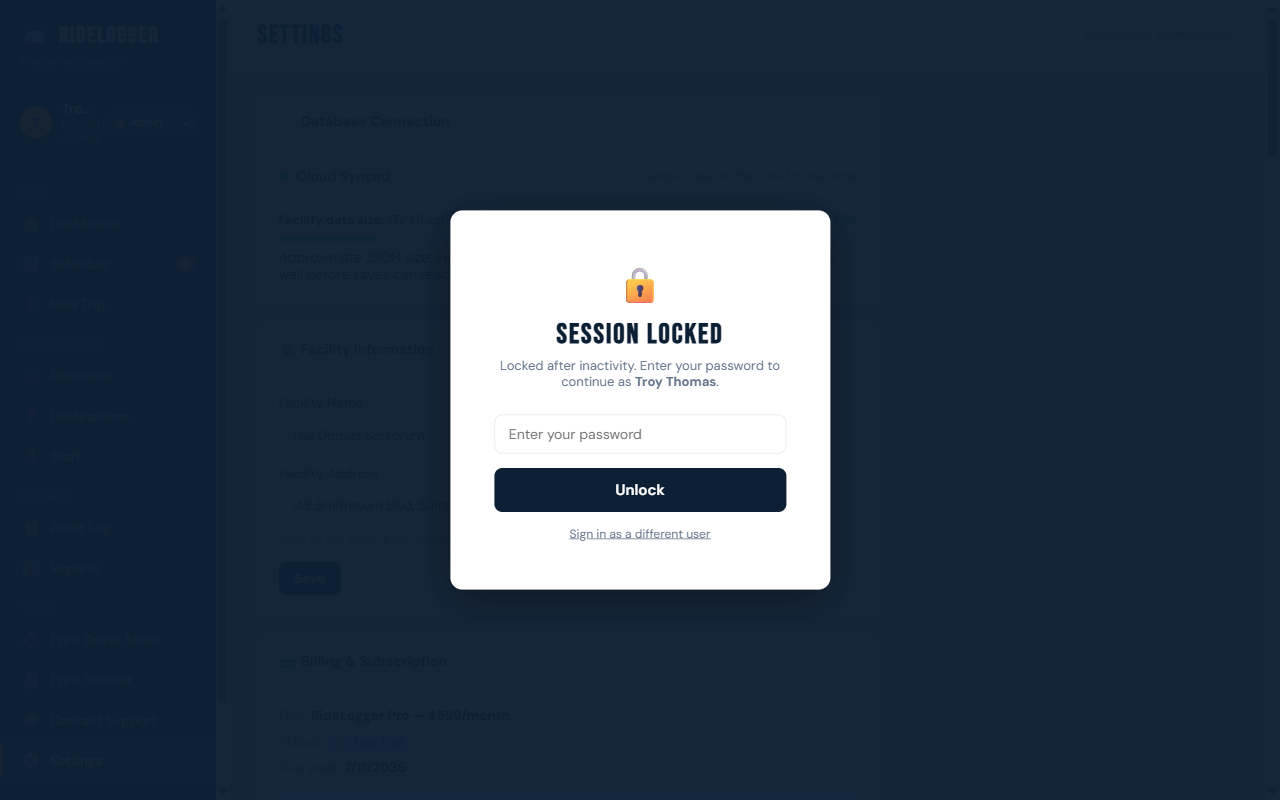
- Enter your password and click Unlock to continue exactly where you left off. There's also a "Sign in as a different user" link if the next person at this computer isn't you.
Who can do this
Applies to every logged-in user.
Notes
- This is a re-authentication, not a full logout — your place in the app is preserved once unlocked.
- If you're stepping away from a shared computer, it's still good practice to lock or sign out manually rather than relying on the timer.