Account & Settings
How to contact support
Send a message to RideLogger support directly from the app.
Steps
- Click 💬 Contact Support in the sidebar.
- Confirm or update the Reply to email address (defaults to your login email).
- Enter a Subject and a Message describing what you were doing and what you expected to happen.
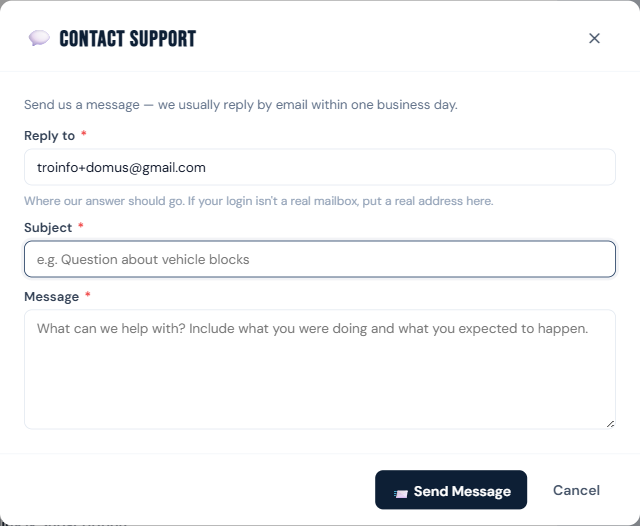
- Click 📨 Send Message.
Who can do this
All roles.
Notes
- We usually reply by email within one business day.
- If your login isn't a real mailbox (e.g. a shared front-desk account), put a real address in "Reply to" so you actually get the answer.